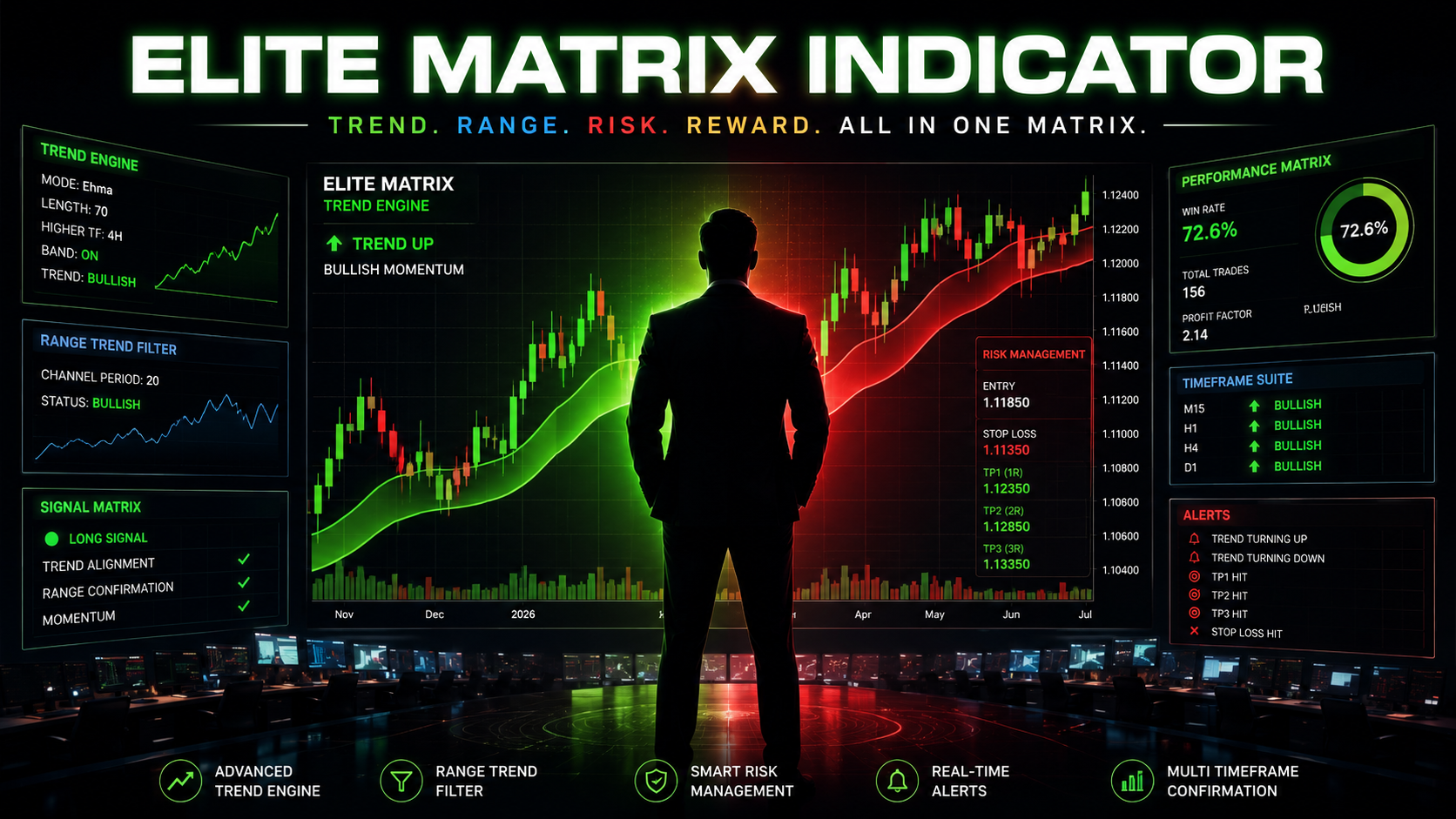
Trade the Trend.
Manage the Risk.
Automatically.
Elite Matrix Indicator merges a smoothed trend engine, a range breakout filter, and automatic Buy/Sell signals with built-in Stop Loss and three Take Profit levels — plus real-time TradingView alerts for every one of them, all on one clean overlay.

Manual charting is slow, emotional, and inconsistent
- You second-guess trend direction on every candle
- Fake breakouts trigger bad entries
- Stop loss and targets are set by "feel," not structure
- By the time you calculate risk-reward, the move is gone
One indicator. Trend, filter, signal, and risk plan — instantly
- Adaptive trend band (Hma / Ehma / Thma) shows direction at a glance
- Range breakout filter confirms momentum before signaling
- Buy/Sell labels print automatically on confirmed setups
- Stop Loss + TP1/TP2/TP3 auto-plotted from swing structure
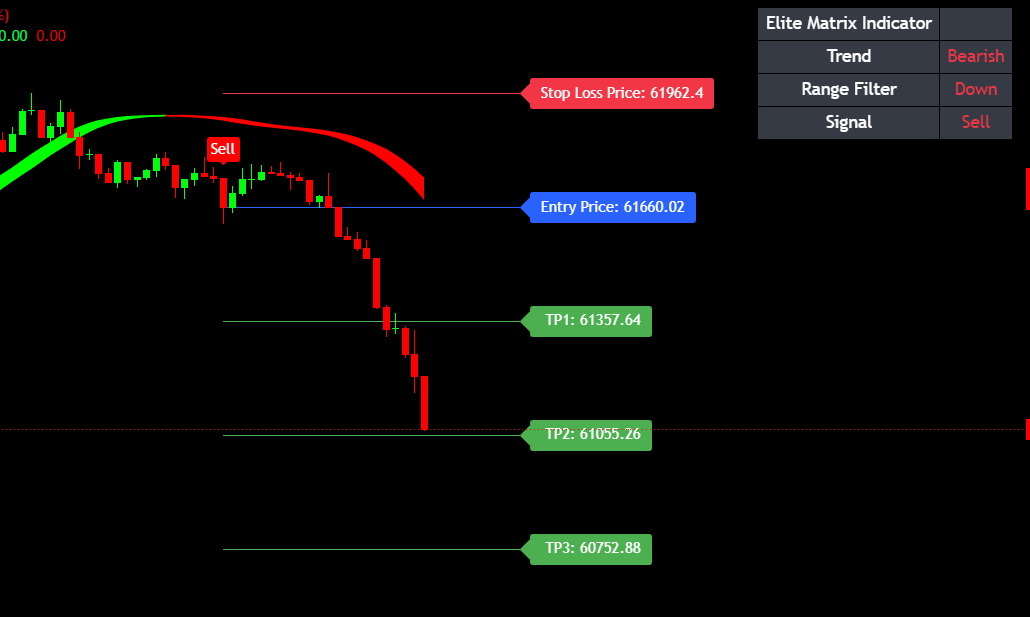 Elite Matrix — Live Preview
Everything Your Trend-Following Strategy Needs
Built entirely in Pine Script v6 for TradingView — one overlay, no clutter.
Adaptive Trend Engine
Choose between Hma, Ehma, or Thma smoothing with a fully adjustable length and multiplier. Switch on higher-timeframe mode to view a clean, straight trend band from any timeframe you pick.
Range Trend Filter
A dedicated channel breakout filter confirms directional strength before a signal fires, helping you avoid chasing weak, range-bound price action.
Automatic Buy / Sell Signals
Clean labeled Buy and Sell markers print directly on the chart the moment trend and range filter align — no manual pattern spotting required.
Auto Stop Loss + 3 Take Profits
Every signal auto-plots an Entry line, a structure-based Stop Loss, and three Take Profit targets calculated from your own Risk-Reward multipliers (default 2R / 3R / 4R).
Real-Time TradingView Alerts
Get instant alerts the moment a Buy/Sell signal fires, plus separate alerts when price hits your Entry, Stop Loss, TP1, TP2, or TP3 — so you never have to babysit the chart.
Live On-Chart Dashboard
A compact table shows real-time Trend direction, Range Filter status, and the current Signal state — placeable in any corner of your chart.
Fully Customizable Display
Color the trend line by direction, paint candles with trend bias, toggle band vs. single line, and control line thickness and band transparency to match your style.
A Full Trade, Plotted Automatically
Entry, Stop Loss, and three Take Profit targets — calculated the instant a signal fires.
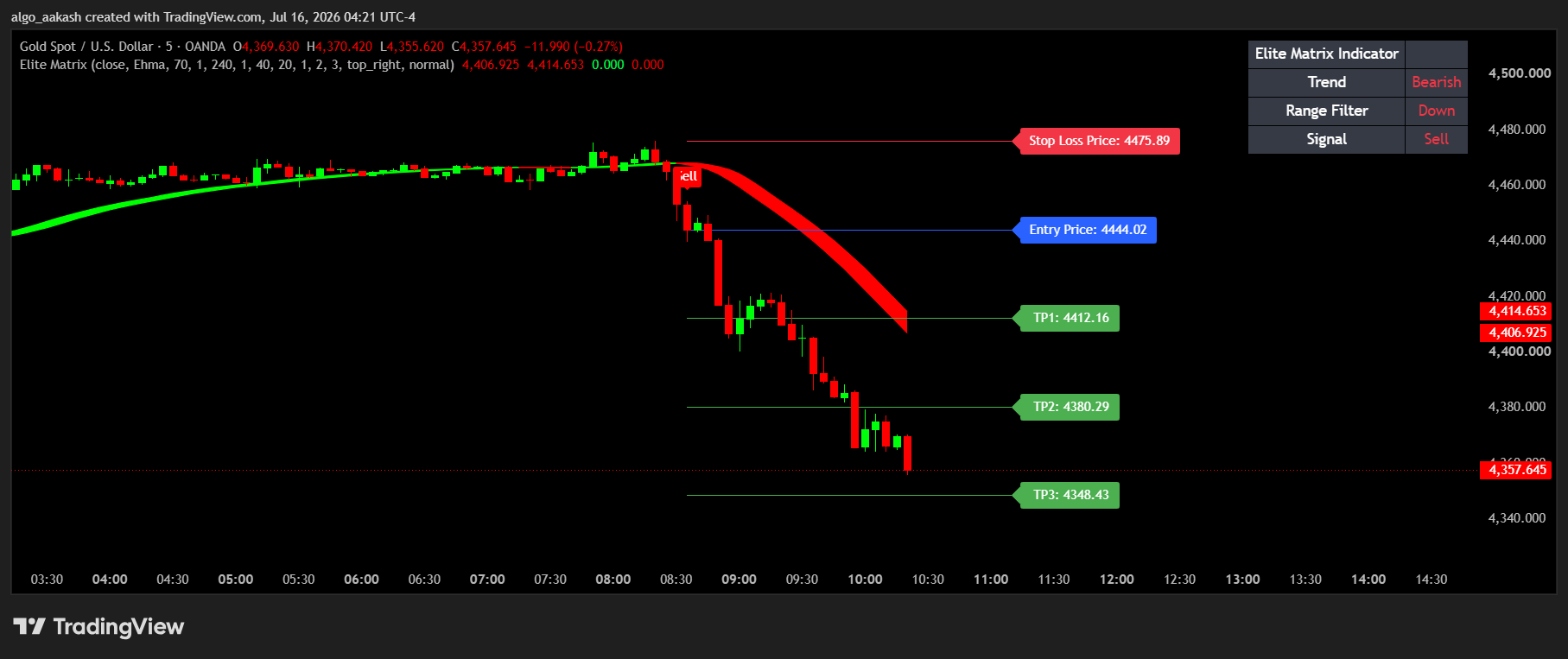 XAUUSD — Trade Setup
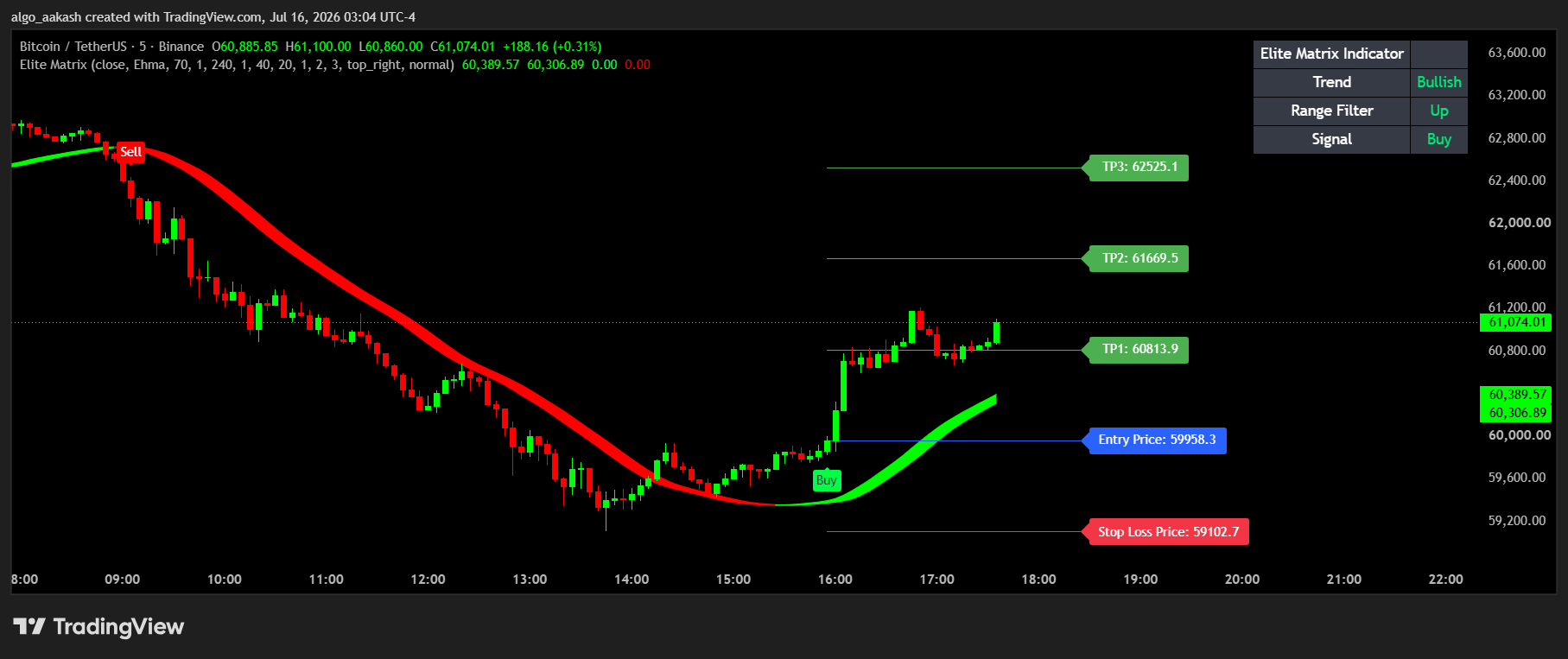 BTCUSDT — Trade Setup
Built for Every Style of Trend Trader
Swing Traders
Use higher lengths (180–200) for a floating support/resistance band across multi-day positions.
Scalpers
Enable higher-timeframe mode to view a smooth trend line from a bigger timeframe while trading lower ones.
Trend Followers
Use the 55-length setting for reactive swing entries that track directional moves closely.
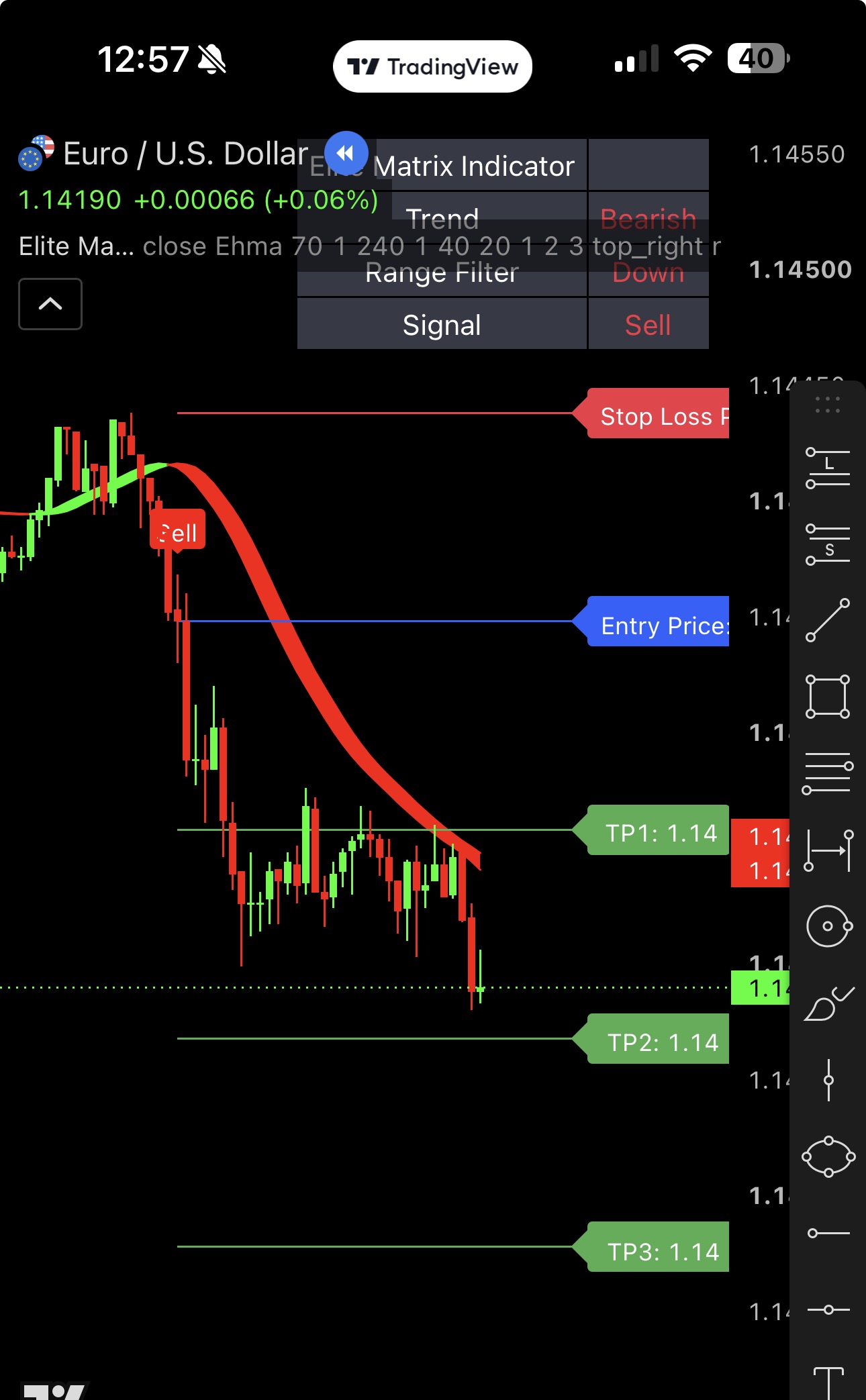
Track Signals Right From Your Phone
Elite Matrix Indicator works seamlessly on the TradingView mobile app too — get the same trend view, signals, and alerts wherever you are.
Trusted by Traders Who Value Clarity Over Guesswork
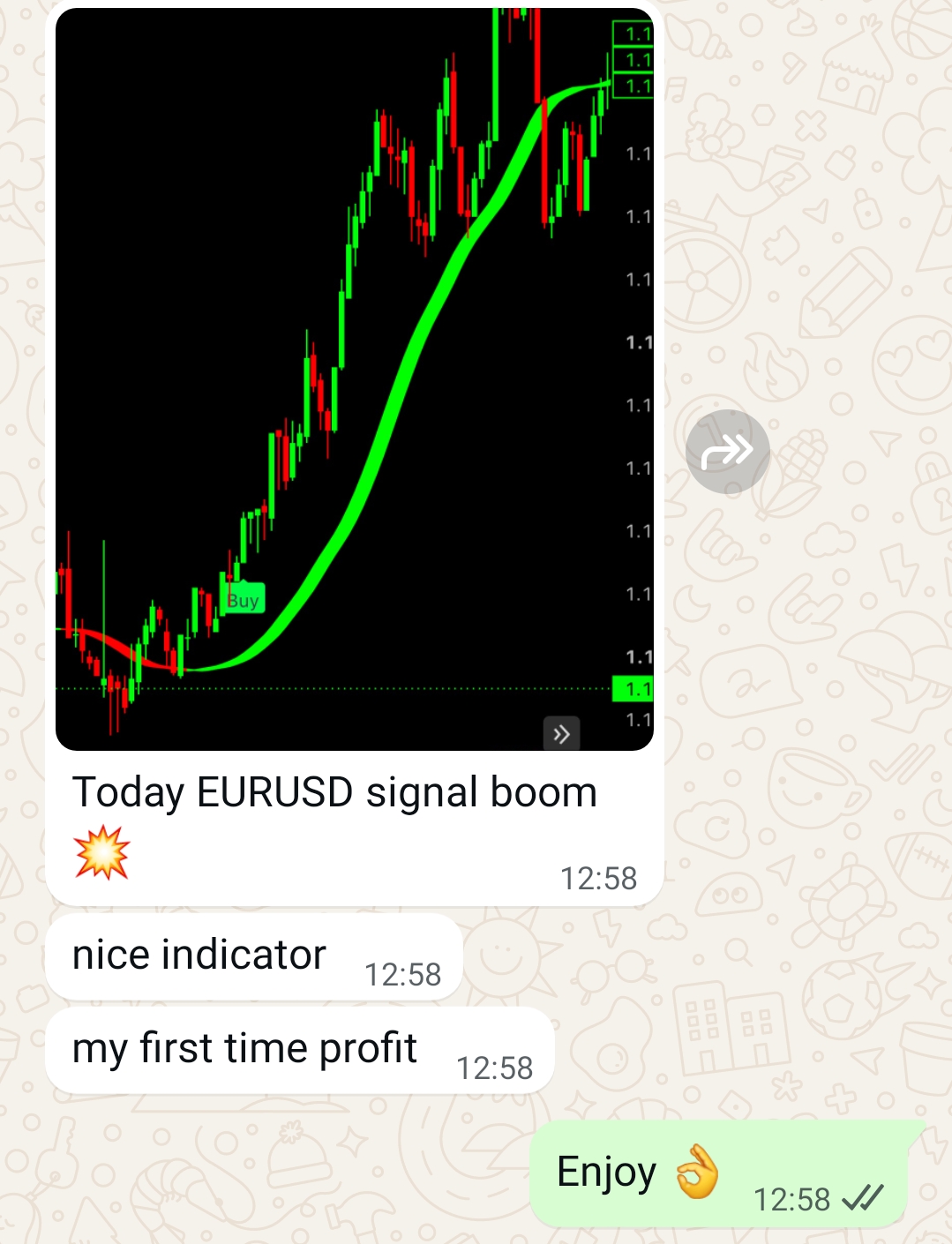
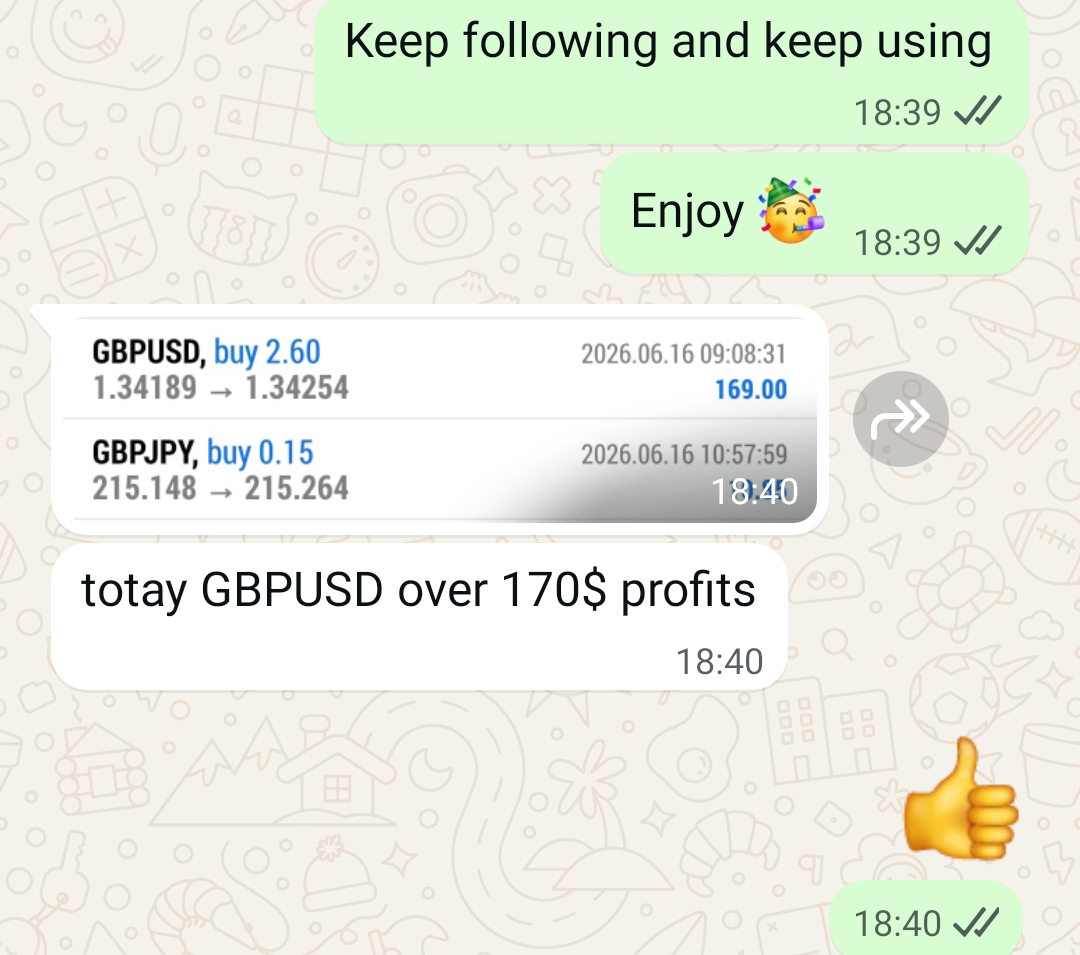
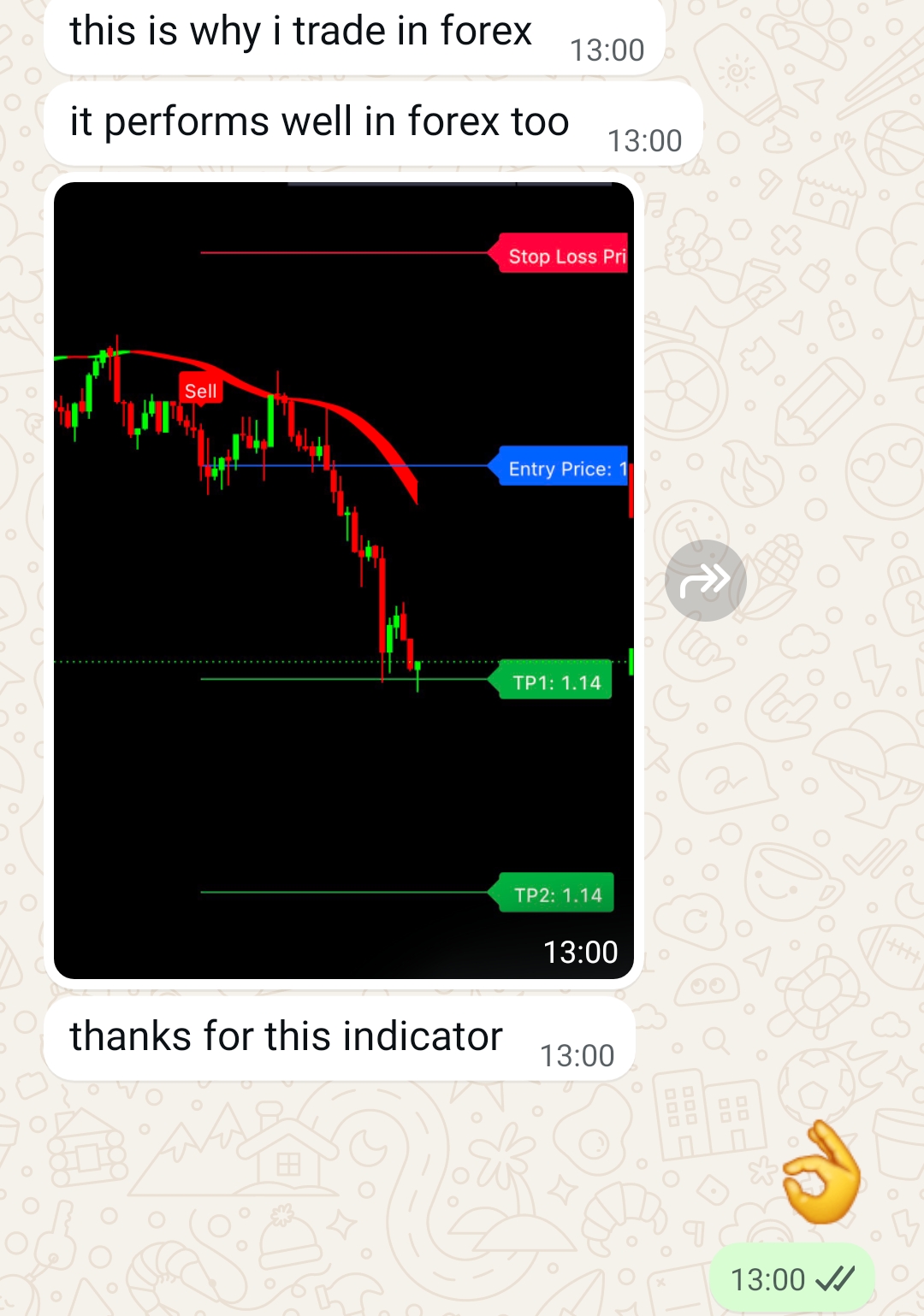
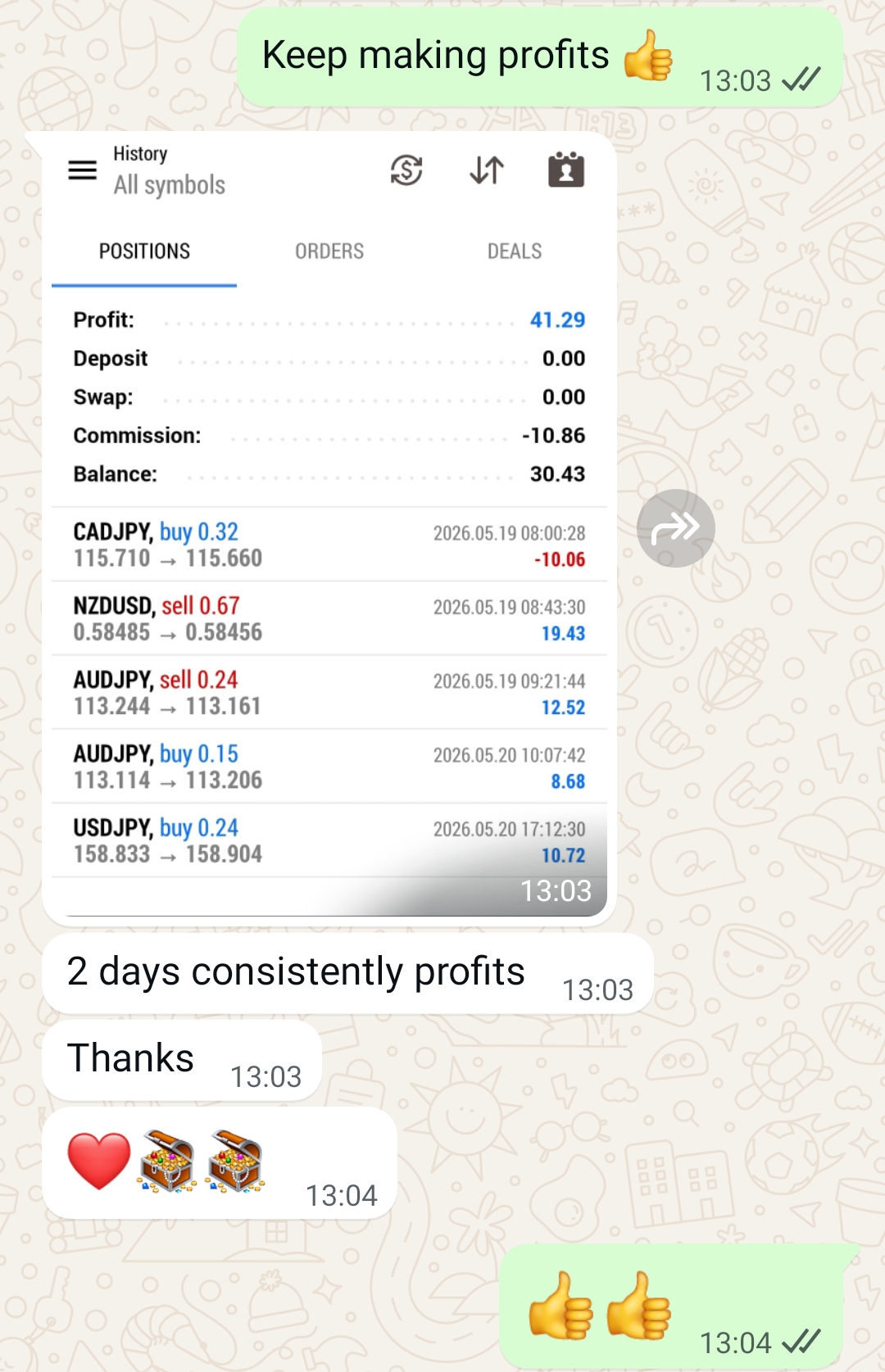
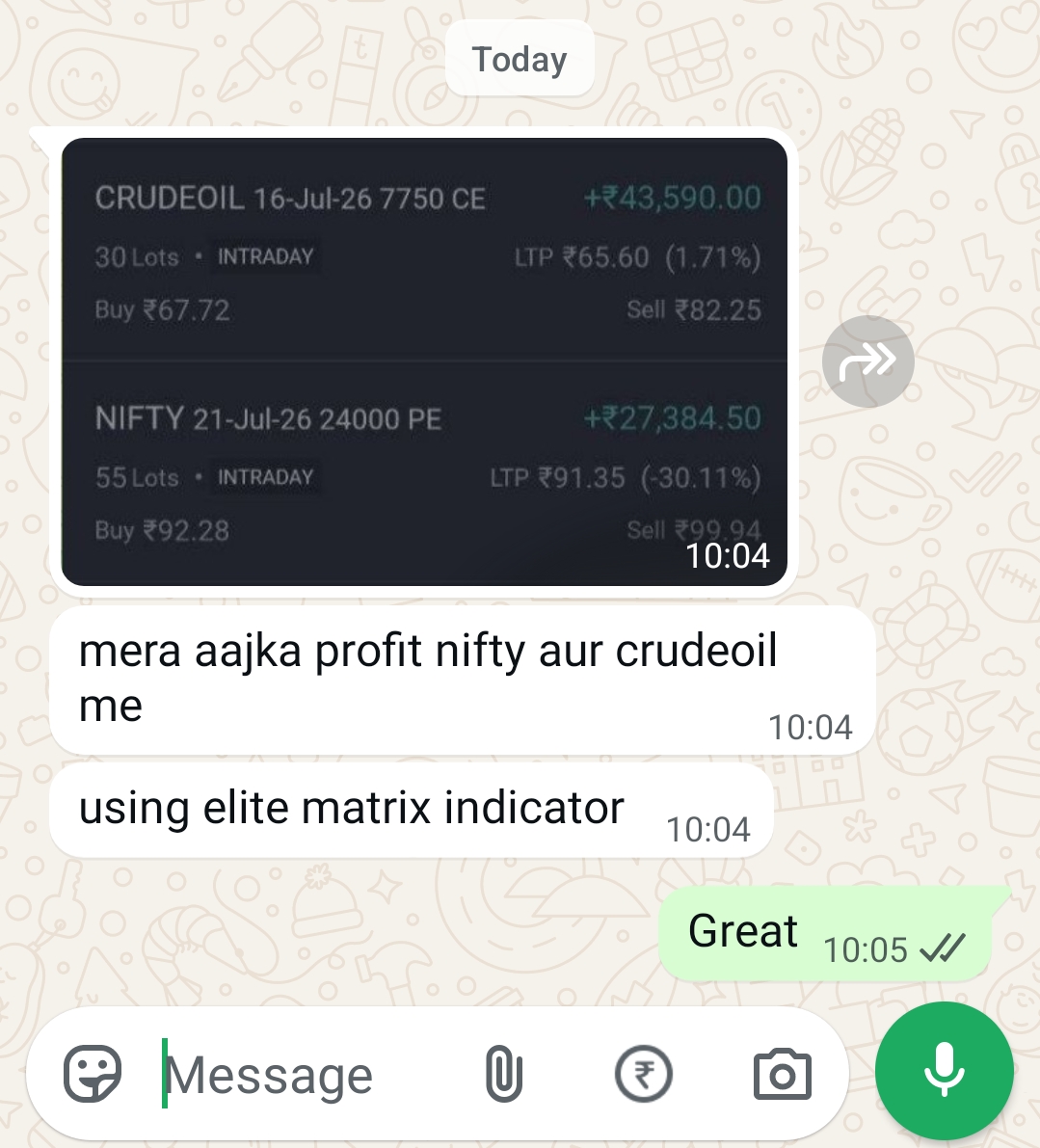
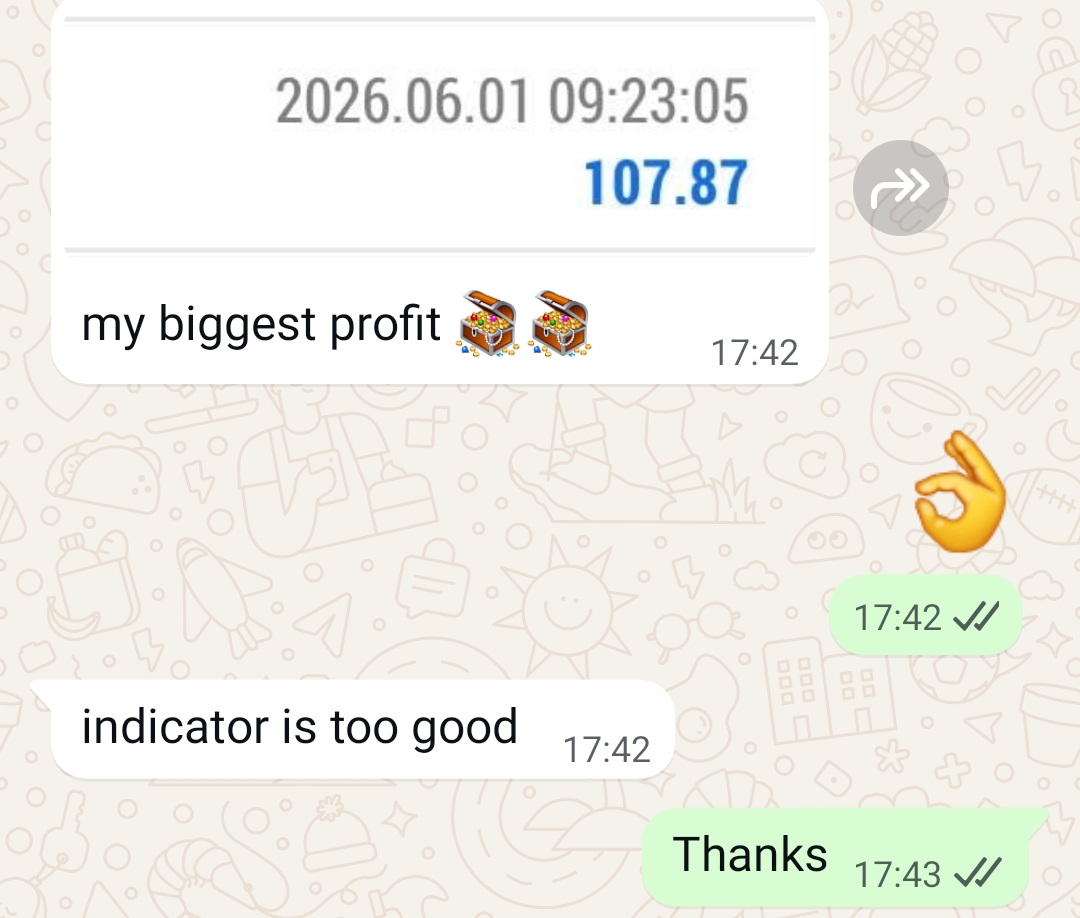
"The auto SL and three take-profit levels take all the guesswork out of managing a trade. I just follow the plan the indicator draws."
"Switching between Hma and Ehma modes let me tune the trend line to match how I trade. The dashboard alone saves me from staring at the chart all day."
"Range filter cut down a lot of false signals I used to get from trend-only tools. Clean setup, easy to read on any chart."
One Simple Price. Full Access.
No subscriptions, no hidden charges — get everything Elite Matrix Indicator offers.
Elite Matrix Indicator — Lifetime Access
- Adaptive Trend Engine (Hma / Ehma / Thma)
- Range Trend Filter for breakout confirmation
- Automatic Buy / Sell signal labels
- Auto Stop Loss + TP1 / TP2 / TP3 targets
- Real-time alerts for signals, Entry, SL & all TP levels
- Live on-chart performance dashboard
- Multi-timeframe trend viewing
- Full color & display customization
- Lifetime updates, no recurring fees
Instant delivery after payment · Secure checkout
Frequently Asked Questions
The trend line and range filter are calculated from confirmed price data. As with any indicator using pivot-based Stop Loss/Target logic, recent unconfirmed bars can adjust until a bar closes — this is standard behavior for structure-based tools and is clearly visible on the chart.
Elite Matrix Indicator works on any market available on TradingView — crypto, forex, stocks, indices, and commodities — and on any timeframe from 1-minute to monthly charts.
No. Invite-only Pine Script indicators work on TradingView's free plan as well as paid plans. You just need a TradingView account to add the script.
After checkout, you'll get access instructions to be invited to the script on TradingView using your TradingView username. Access is typically granted shortly after purchase.
Yes. Elite Matrix Indicator supports TradingView alerts for Buy/Sell signals as well as separate alerts when price hits your Entry, Stop Loss, TP1, TP2, or TP3 levels. Just set up an alert on the indicator from your TradingView chart and choose the condition you want to be notified on.
No. Elite Matrix Indicator is a charting tool to assist your own analysis. Trading involves risk, and you should always do your own research and risk management before entering any trade.
Stop Guessing Trend Direction. Start Trading With a Plan.
Get Elite Matrix Indicator today and trade with a built-in trend engine, signal filter, and complete risk plan.
Get Elite Matrix NowGet Elite Matrix Indicator
₹399 ₹2,999 — Lifetime Access
